





Contents:
- Overview of End Result
- What You’ll Need
- Step 1: Choose Your Shopify Plan
- Step 2: Select and Customize a Theme
- Step 3: Add Your Products
- Step 4: Set Up Payment Processing
- Step 5: Configure Shipping and Launch
- A Comparison: Shopify vs a Marketplace Like Etsy
- Common Mistakes to Avoid
- A Regional Difference
- FAQ
- How much does it cost to start a Shopify store?
- Do I need technical skills to build a Shopify store?
- How long does it take to get a Shopify store live?
- Next Steps
- Can I sell on Shopify without any starting inventory?
- How do I drive traffic to a brand-new Shopify store?
A common myth insists launching an online store requires coding skills and months of technical preparation before a single product ever gets listed.
Overview of End Result
By the end of this process, you’ll have a fully functional Shopify store, at least one product listed, and payment processing ready to accept your very first order.
What You’ll Need
A product to sell, basic product photos, a Shopify subscription, and a payment processing method connected before your store officially goes live.
Step 1: Choose Your Shopify Plan
Shopify’s basic plan starts around $39 monthly, sufficient for most new store owners testing their first product before scaling up to a higher tier.
Step 2: Select and Customize a Theme
Shopify’s free and paid themes require no coding, letting you customize colors, layout, and branding through a simple visual editor.
Step 3: Add Your Products
Upload clear product photos, write compelling descriptions, and set accurate pricing including shipping costs before making any listing publicly visible.
Step 4: Set Up Payment Processing
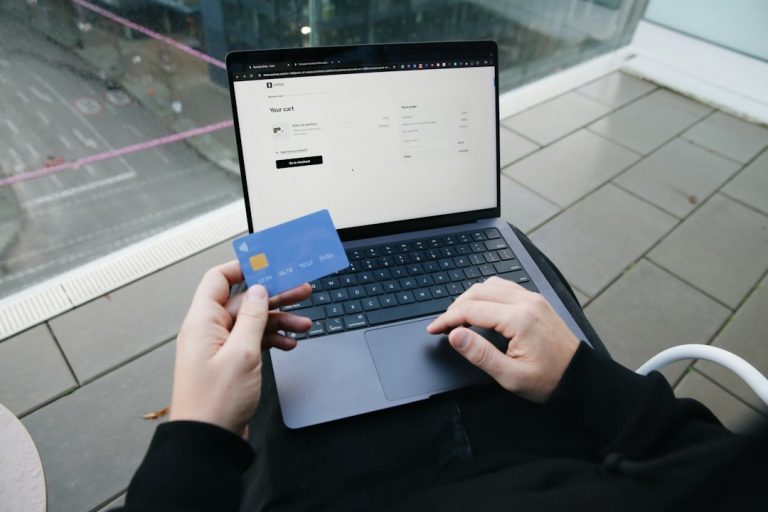
Shopify Payments integrates directly, though PayPal and other processors also work, letting customers pay via credit card or digital wallet at checkout.
Step 5: Configure Shipping and Launch
Setting accurate shipping rates based on weight and destination prevents the unpleasant surprise of losing money on underpriced shipping after launch.
A Comparison: Shopify vs a Marketplace Like Etsy
Shopify gives full control over branding and design at a monthly cost, while marketplaces like Etsy offer built-in traffic and no monthly fee but take a commission and limit branding control.
Common Mistakes to Avoid
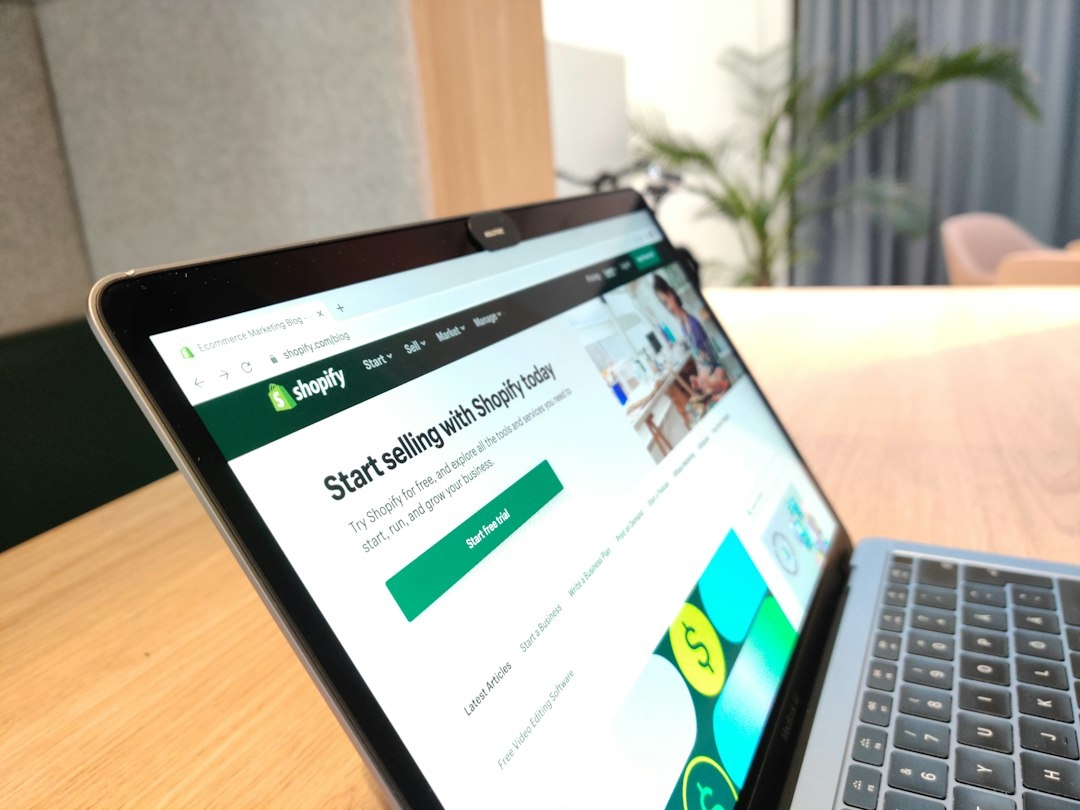
Launching without testing the full checkout process yourself often results in a broken purchase flow that quietly costs sales before anyone notices the problem.
A Regional Difference
Sellers on the West Coast often lean into sustainability-focused branding that resonates locally, while Southern and Midwest sellers frequently emphasize value and practicality in their store messaging.
FAQ
How much does it cost to start a Shopify store?
Beyond the monthly subscription starting around $39, initial costs might include a paid theme, product photography, and starting inventory or samples.
Do I need technical skills to build a Shopify store?
No, Shopify’s drag-and-drop editor and pre-built themes require no coding knowledge for a fully functional, professional-looking store.
How long does it take to get a Shopify store live?
A basic store with a few products can go live within a single day, though thoughtful branding and product photography often take longer.
Next Steps
Once your first sale comes through, focus on gathering customer feedback and refining your product listings before investing heavily in paid advertising.
Can I sell on Shopify without any starting inventory?
Yes, dropshipping and print-on-demand integrations let you sell products without holding any physical inventory yourself before an order comes in.
How do I drive traffic to a brand-new Shopify store?
Organic social media content, influencer partnerships, and modest paid ad testing all help generate initial traffic before a store has built organic search visibility.